 Studio HourThreadSample
We stopped posting every day and our reach went up. Here is what we did instead.
RefineCopyWritten in your voice
Paste a link or upload a video. Klipora finds the moments worth posting, cuts them into vertical clips with captions and titles, and scores each one with its reasons.
Clips from your last video
Sample
nobody saw this coming
we stopped posting daily
in the last minute
one jump saved it
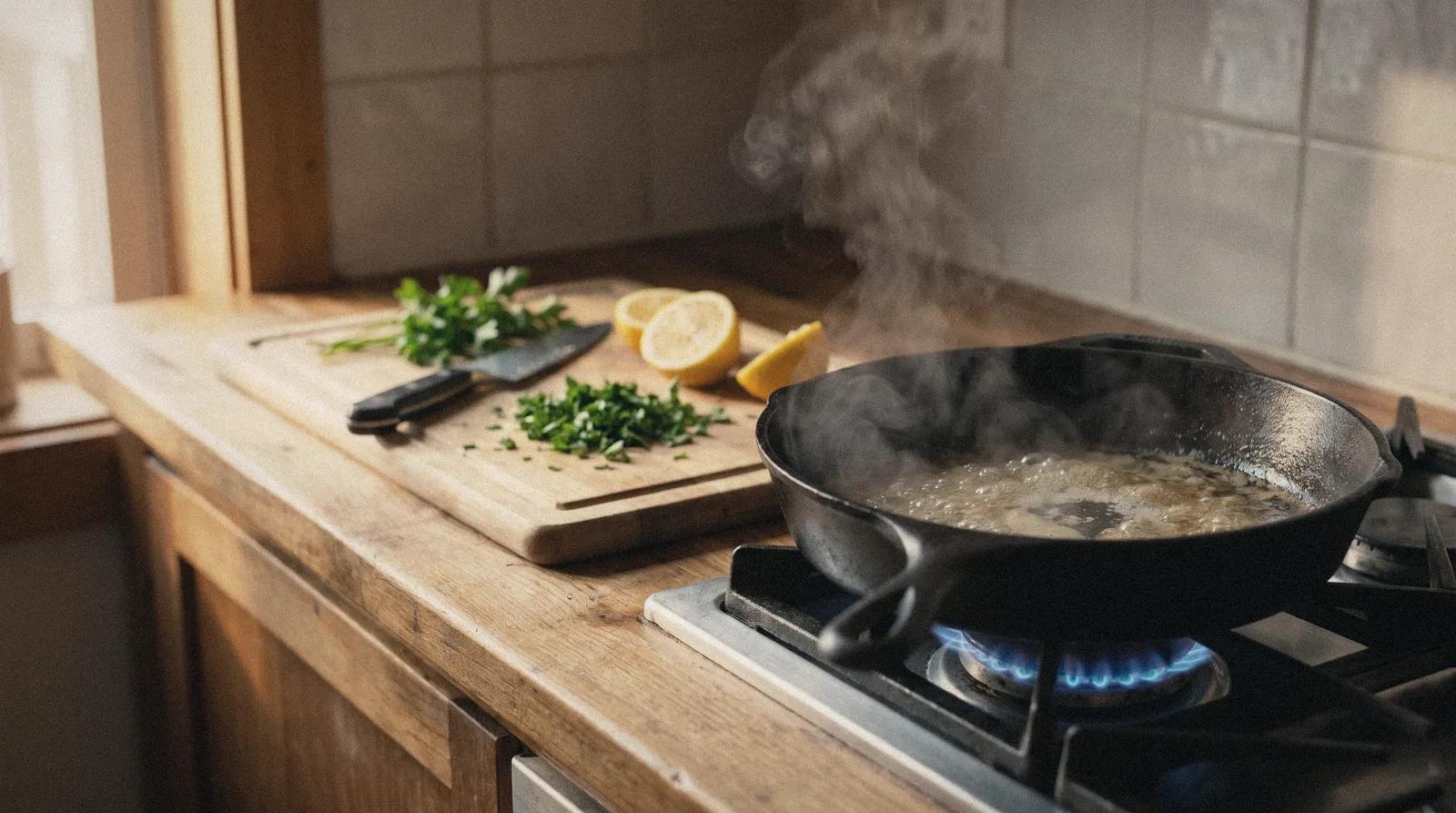
all in one pan
Klipora watches the whole video, picks the moments that hold attention and cuts each one to 9:16, with captions, a title and a score.
Klipora watches the whole video, picks the moments that hold attention and cuts each one to 9:16, with captions, a title and a score.
here we go
everyone sings it
nobody saw this coming
thank you tonight
Three steps, from a link to clips you can post.
A link to a video or a file from your computer. Tell Klipora what to look for, if you like.
Every clip comes with captions, a title and a score with the reasons behind it.
Download in 9:16 with your brand template, plus a post written in your voice.
Clips from your last video
Samplenobody saw this coming
we stopped posting daily
in the last minute
one jump saved it
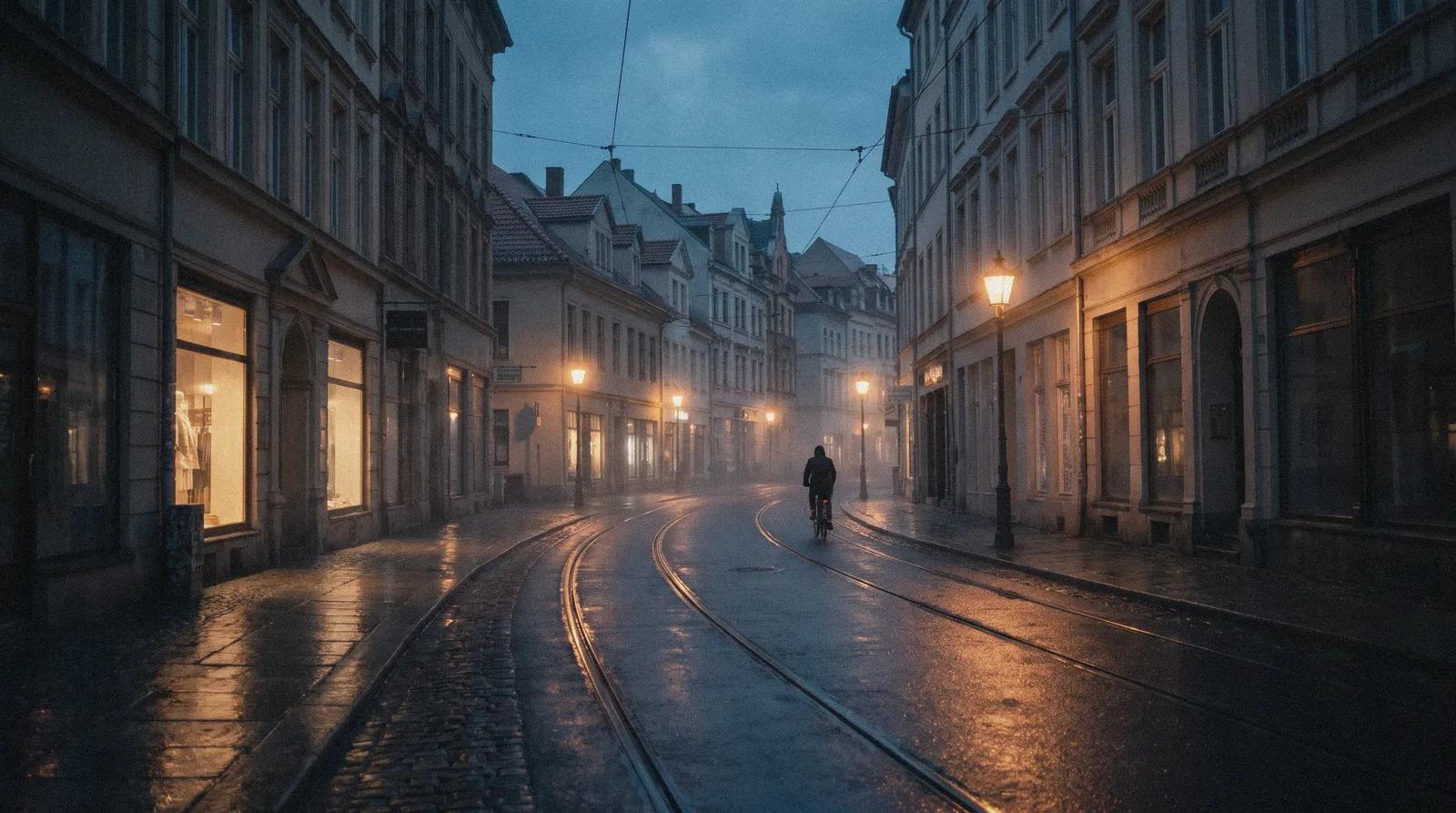
the last tram home
all in one pan
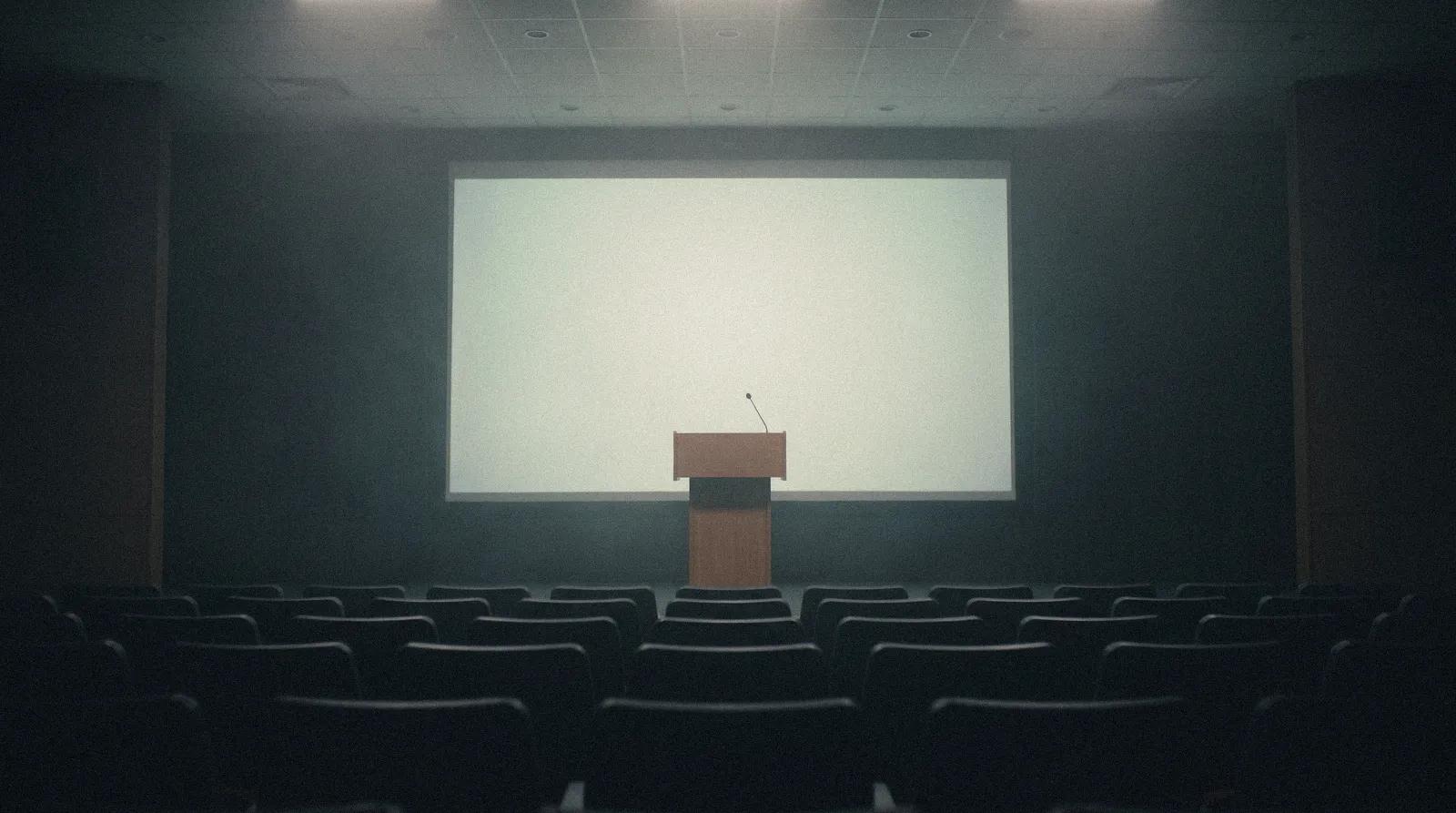
this slide changed it
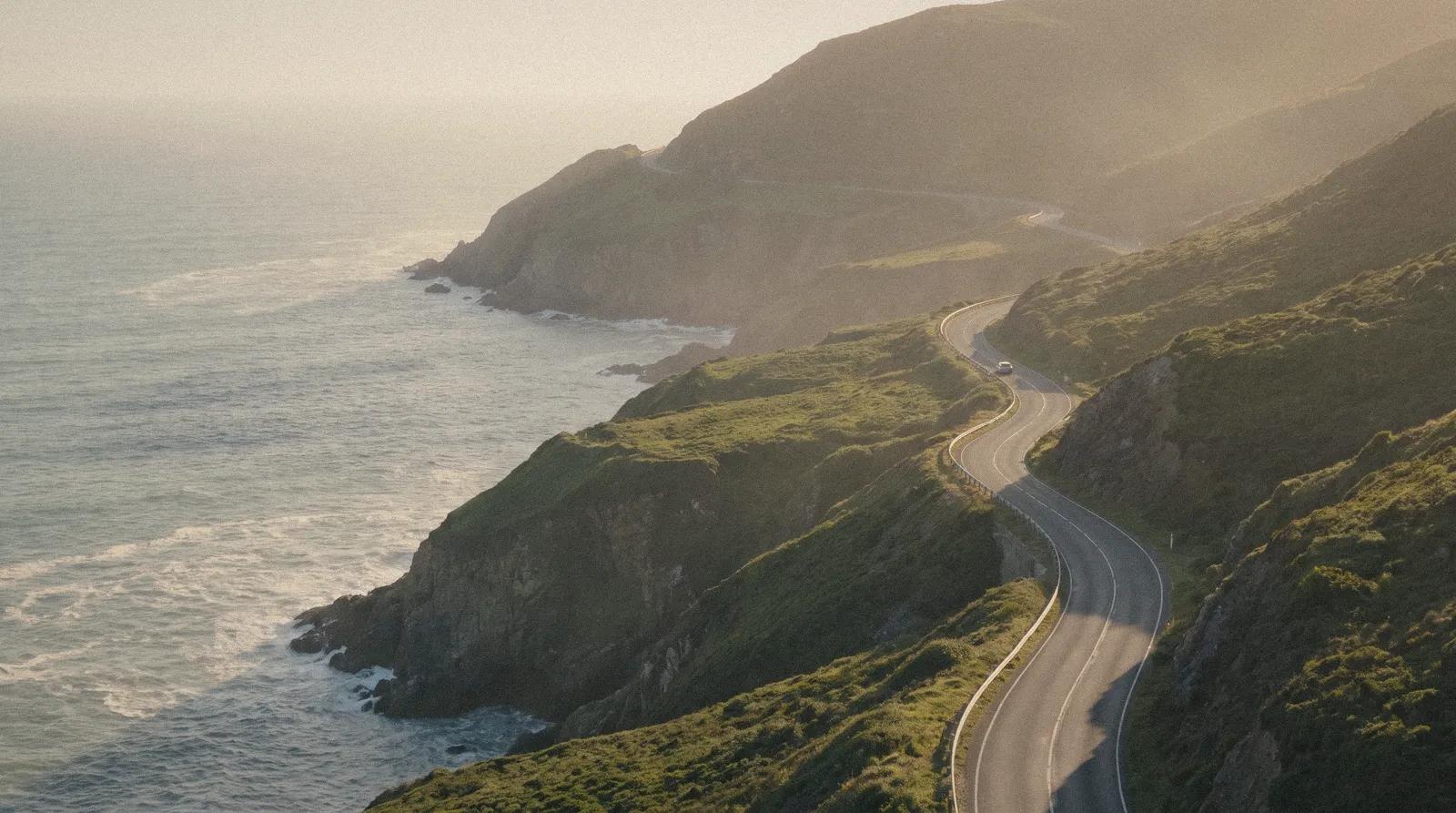
worth the drive
1:52:00Concert recording, 1 h 52 minyoutube.comCost
112credits
1 hr 52 min of video[0:00 - 1:52:00]
Concert recording, 1 h 52 min
SampleClips
They land here once they’re cut1 of 4 ready2 of 4 ready3 of 4 ready4 of 4 readynobody saw this coming
everyone sings it
thank you tonight
here we go
ProjectBest first
The encore nobody saw coming[1:31:12 - 1:31:58]The whole crowd sings[1:02:44 - 1:03:20]The last bow[1:49:30 - 1:50:05]The opening riff[38:20 - 38:51]nobody saw this coming
Hook96/100
Opens on a question in the first two seconds
nobody saw this coming
1 of 4
[1:31:12 - 1:31:58]0:46
Download started
Nobody in the hall saw this encore coming. Turn the sound up for the last chorus.
#livemusic #encore #concert
Three steps, from a link to clips you can post.
A link to a video or a file from your computer. Tell Klipora what to look for, if you like.
1:52:00Concert recording, 1 h 52 minyoutube.comCost
112credits
1 hr 52 min of video[0:00 - 1:52:00]
Every clip comes with captions, a title and a score with the reasons behind it.
Concert recording, 1 h 52 min
SampleProjectBest first
The encore nobody saw coming[1:31:12 - 1:31:58]The whole crowd sings[1:02:44 - 1:03:20]The last bow[1:49:30 - 1:50:05]The opening riff[38:20 - 38:51]nobody saw this coming
Hook96/100
Opens on a question in the first two seconds
Download in 9:16 with your brand template, plus a post written in your voice.
nobody saw this coming
1 of 4
[1:31:12 - 1:31:58]0:46
Download started
Nobody in the hall saw this encore coming. Turn the sound up for the last chorus.
#livemusic #encore #concert
Clips arrive ranked. Open one to see why it scored the way it did, then keep it, trim it or drop it.
The encore nobody saw coming[1:41:12 - 1:41:58]The one-pan trick[07:18 - 07:52]Why we stopped posting every day[03:35 - 04:05]The equaliser in the last minute[1:28:40 - 1:29:22]The slide everyone photographed[22:47 - 23:30]The jump that saved the run[2:14:05 - 2:14:41]Last tram home in the rain[12:02 - 12:40]nobody saw this coming
Open on the best line, then cut to the parts that explain it. Up to four moments from anywhere in the video, played in the order you choose.
1. Hook2. Context3. PayoffType what you are looking for, like every goal or every time the host laughs, and get those moments as clips.
4 moments found
[14:02 - 14:31][38:55 - 39:20][1:21:10 - 1:21:44][1:28:40 - 1:29:22]Gameplay, sport and music get clipped from what happens on screen.
This video has no speech, so clips will be picked from what happens on screen, without captions.
SampleVertical clips follow the speaker or the action, not a fixed centre with blurred bars.
Give Klipora a few of your own posts and it writes captions and posts the way you write.
we stopped posting daily
Studio HourThreadSampleWe stopped posting every day and our reach went up. Here is what we did instead.
Your caption style, font, colours and logo, applied to every clip.
the last tram home
Brand templates
SampleKeep each channel or client in its own workspace and invite your team.
Clips from your last video
Samplewe stopped posting daily
this slide changed it
all in one pan
worth the drive
nobody saw this coming
the last tram home
Workspaces
Follow a stream on Twitch, Kick or YouTube Live. Klipora records it in parts, and clips from each part arrive while the stream is still on.
The jump that saved the runPart 7[1:12:05 - 1:12:41]NewThe equaliser in the last minutePart 6[1:04:40 - 1:05:12]The encore nobody saw comingPart 4[44:18 - 44:50]Sample cooking channelNew upload: the one-pan dinnerClippingSample talk showNew upload: episode 212Clips readySample travel channelNew upload: the coast roadSkipped: not enough creditsAdd a YouTube channel to your watchlist. Each new upload starts a run with your settings, so the clips are waiting when you open Klipora.
Klipora hears the language and captions in it. Want the captions in another language? Pick it, and they are translated.
Spoken
English
Captions
English
Español
Português
Deutsch
Türkçe
हिन्दी
日本語
Bahasa Indonesia
Original
Translated
Translated
Translated
Translated
Translated
Translated
Translated
Still unsure? Write to us and a person will answer.
Paste a link to a video or upload a file. Klipora writes out what was said, finds the moments worth posting and cuts them into vertical clips with captions, titles and a score with its reasons. It can also write posts in your own voice.
Upload your own video file on any plan: up to 300 MB on Free and 3 GB on paid plans. Paid plans can also paste a link from YouTube, X, TikTok, Instagram or Facebook.
Klipora understands 30+ languages and picks up the spoken one on its own. Captions can stay in that language or be translated into another one.
Yes. Follow a stream on Twitch, Kick or YouTube Live and Klipora records it in parts. Clips from each part arrive while the stream is still on.
Gameplay, sport and music videos are clipped from what happens on screen, so a video does not need speech to work.
One credit is one minute of video. You pick the part of the video you want, and it costs one credit per minute of that range, rounded to the nearest minute and never less than one. That covers every clip and post from the project. A range can be up to 60 minutes on Free and 3 hours on paid plans. Re-rendering an edited clip costs 1 credit. Refining or regenerating a post is free. If a run fails, your credits come back.
Yes. Clips with speech come with captions that light up word by word. Fix any word or change the style in the clip editor, and the clip renders again.
Yes. You get 10 free credits when you sign up. One credit covers one minute of video. Free clips are 720p with a small watermark. Paid plans give you more credits every month and clean 1080p clips.
Email us at support@klipora.com and we will get back to you.